
What Did I Sign Up For?
How to manage which content you receive from any of the people you follow here on Substack? Oh, it's all about the Sections and Notifications. And so easy to customize.

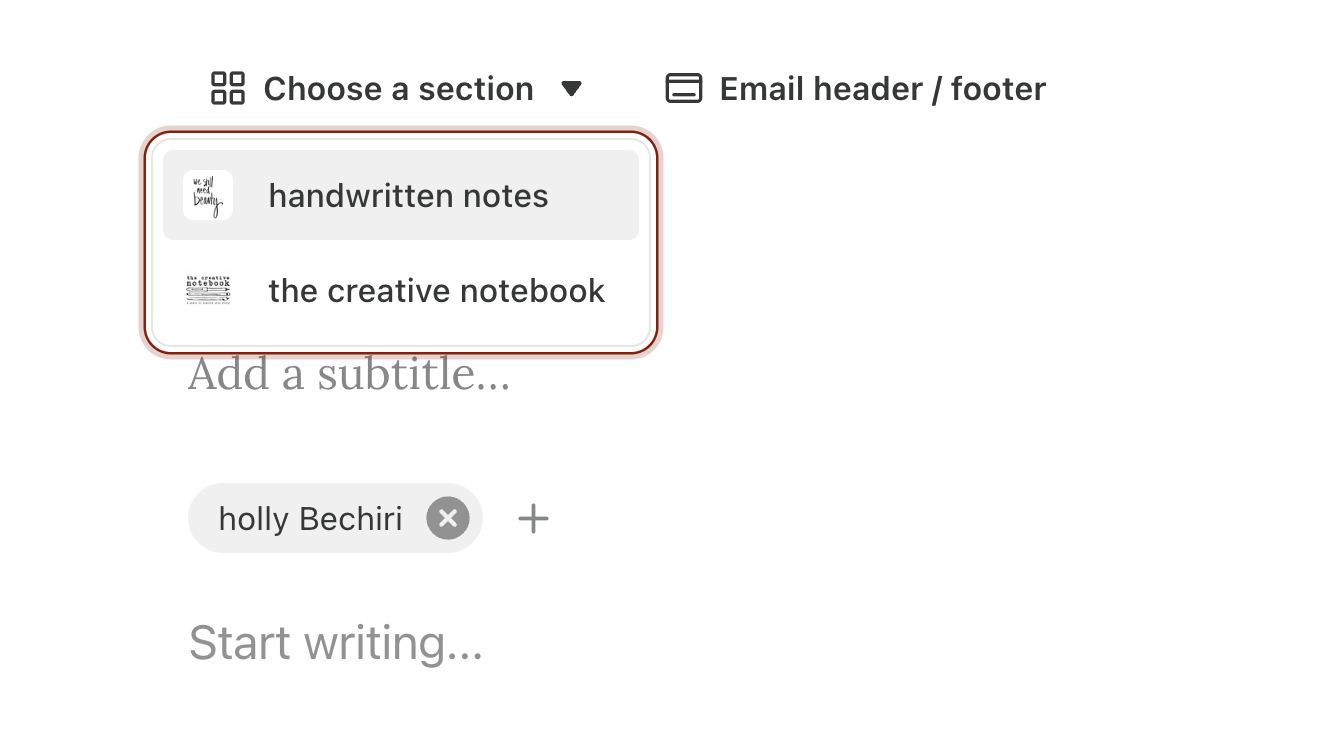
Maybe you, like me, follow several folks here that have more than one kind of content-and you’re interested in one or a few of their posts but not all of them. It’s possible that, like me, these Substack creators have their letters to you separated into sections on their Substack platform.
For handwritten notes, for example, I’ve got two: there’s handwritten notes, the OG reason I am here, the “American artist living in Spain” content, and then there is “the creative notebook,” my creative journaling letters where I provide a written and visual prompt for those interested in exploring keeping their own creative notebook.
So if you have subscribed to @handwrittennotes, maybe you’re all about the journaling prompts and exploring your creativity, but you’re not really all that into learning about my odd adventures in Spain. Or maybe you’re interested in all that American-sells-all-her-stuff-to-start-over-as-an-immigrant-in-her-50s story, but not at all wanting to get my journaling prompts in your email inbox. Not offended! I’m glad you’re here. In fact, I wanted to make sure you know you could get in your email newsletters or in your Substack notifications, just the content you’re interested in. It’s pretty simple, once you know the steps.
So here they are, the steps to select which content you want—and which you don’t. You’ll have to jump on your computer to do this—it’s not available on the phone app, sadly.
First, go to your settings. You can do that by clicking on the three bars in the bottom left of the page, where it says “More” if you hover over it.
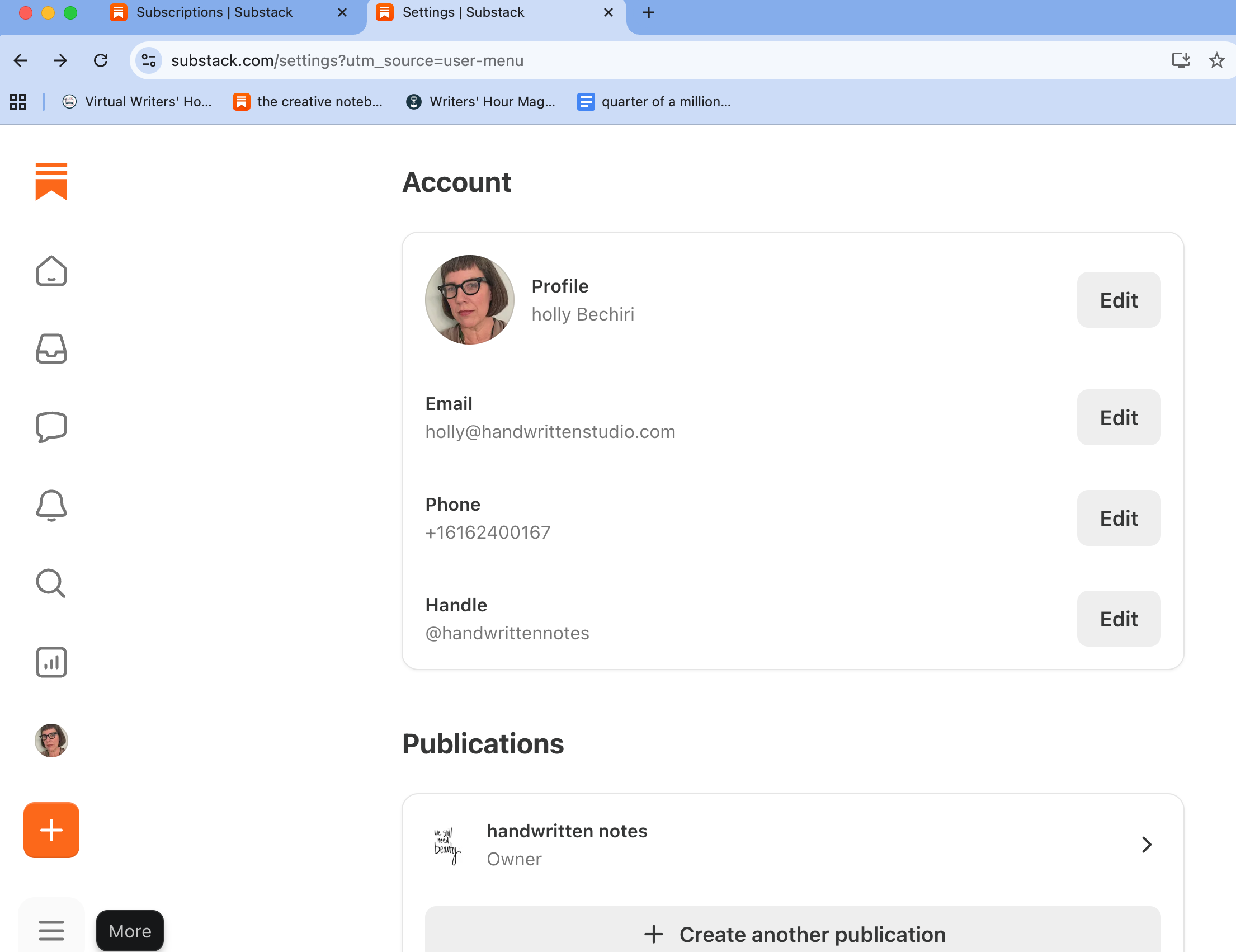
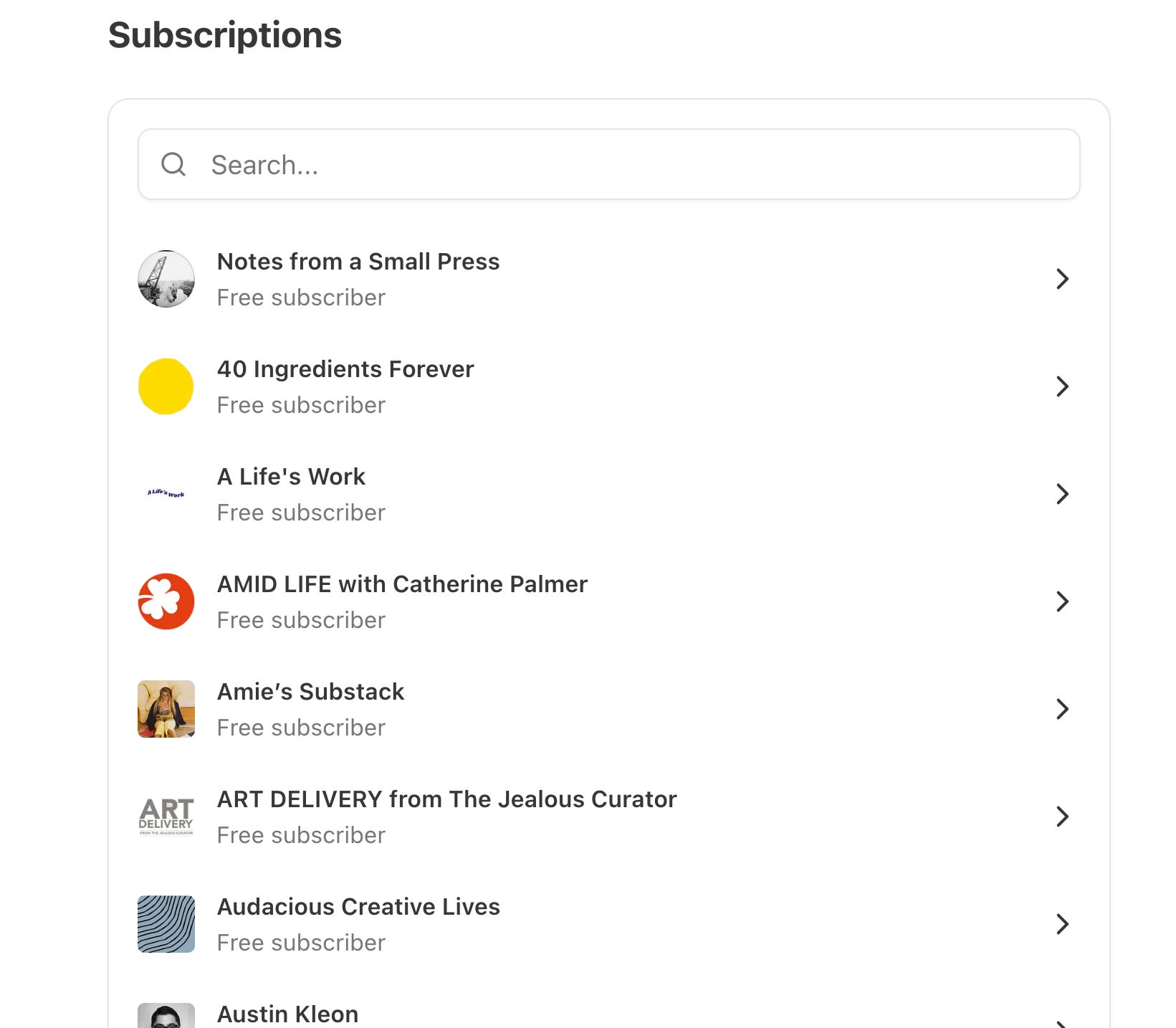
Click settings, and then once you’re in there, (it will start with an Account section) scroll down to Subscriptions, and click on one of them that you want to separate out which things you receive and how.
This will bring you to your settings specifically for that subscription. I selected Suleika Jaouad at The Isolation Journals with Suleika Jaouad because well, she’s amazing, and a guru at journaling to boot, but also because over the years since Isolation Journals started during the pandemic, she’s added multiple sections. Once there, scroll down just a bit to Notifications, and toggle on and off whatever you’d like to receive or not receive. That’s it!
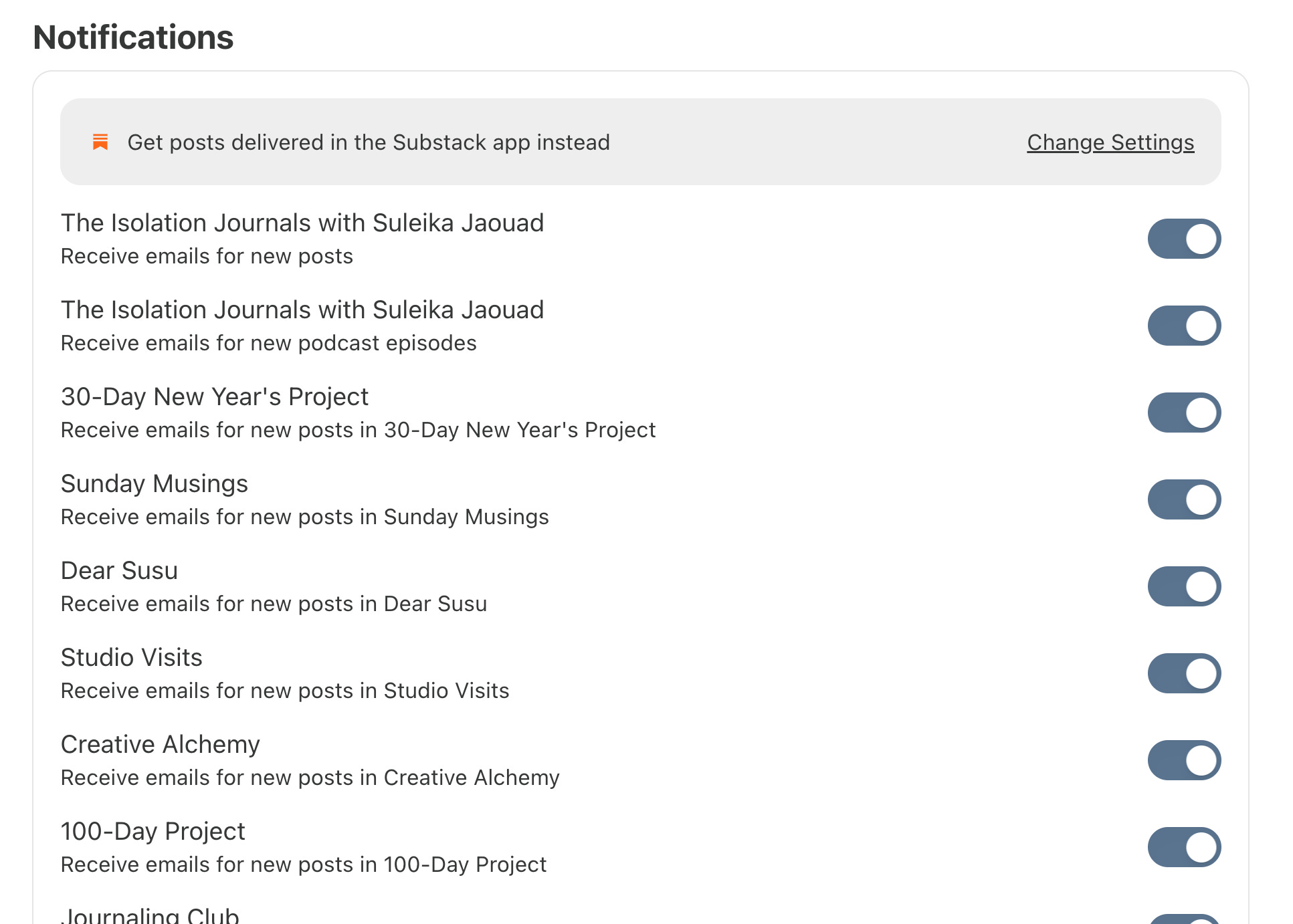
See? Easy peasy. You’ll notice I’ve got them all toggled on, I want to receive All The Things from Suleika, because well. Because she’s amazing, as I may have stated.
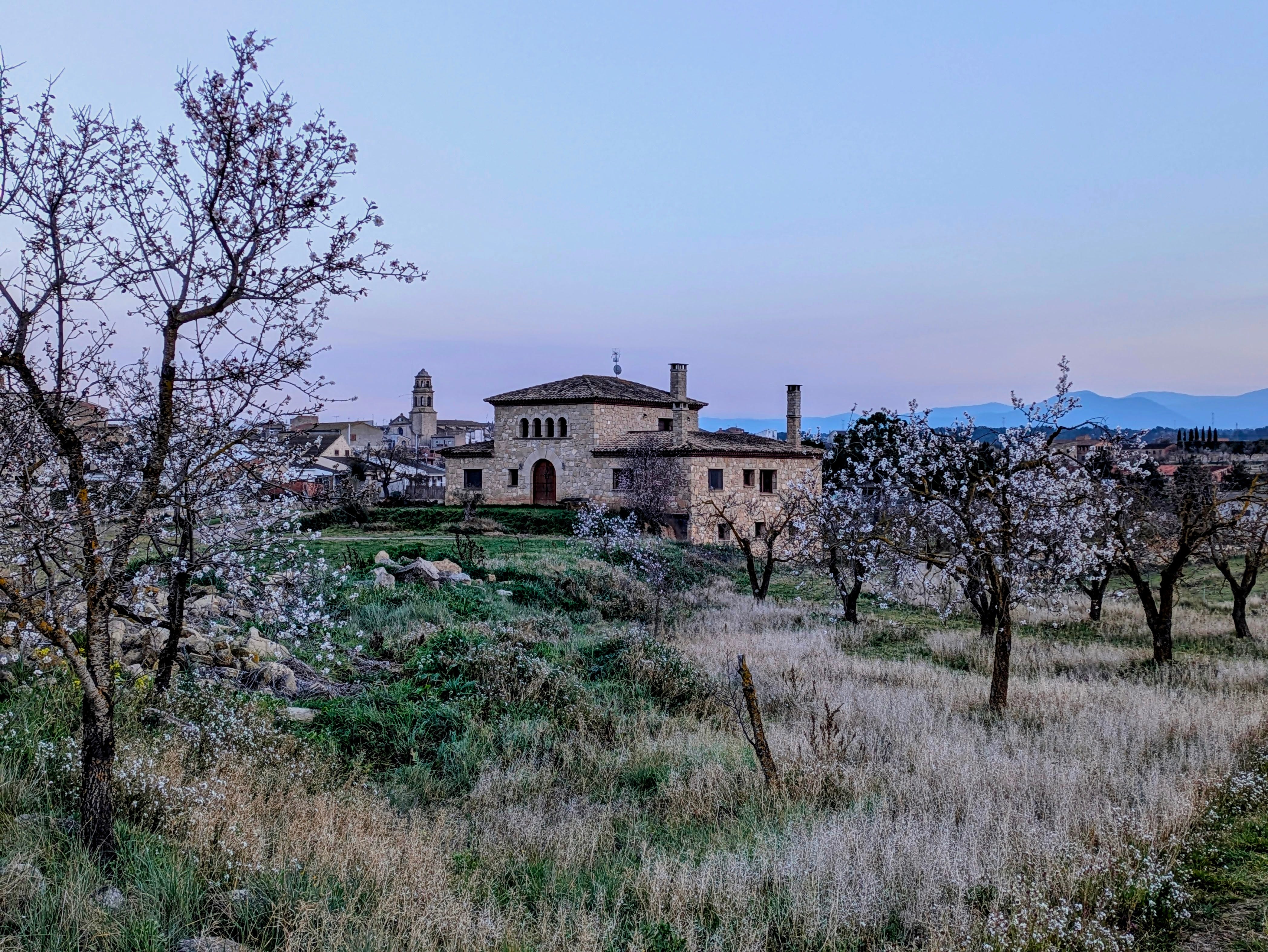
Now. One more almond blossom photo for the road, yes? YES.
I hope this was helpful! Looking forward to many more stories from Spain and creative journaling ideas for you right here. You pick your own adventure.